After each loan, we send an e-mail to the address provided during registration containing a list of your current loans and their due dates. You can also add the due dates directly to your Google Calendar from the e-mail.
In the catalog of the library you can check your borrowed books and their deadline.
- In the top menu of the catalogue, click on the login icon.

2. Log in with the number of your student ID card / library card / university ID card or Alma Mater card and your date of birth in the required form.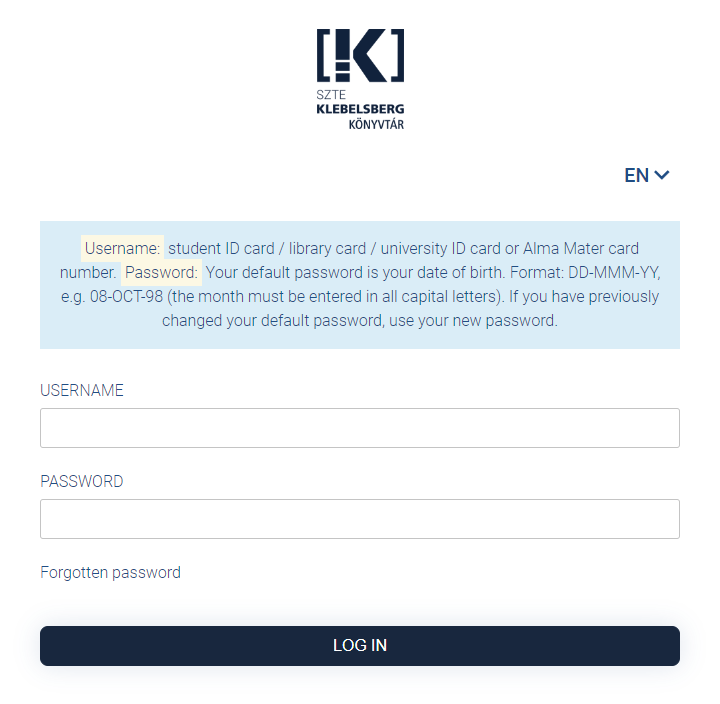 3. In the list that appears, you can check your borrowed books and their deadline.
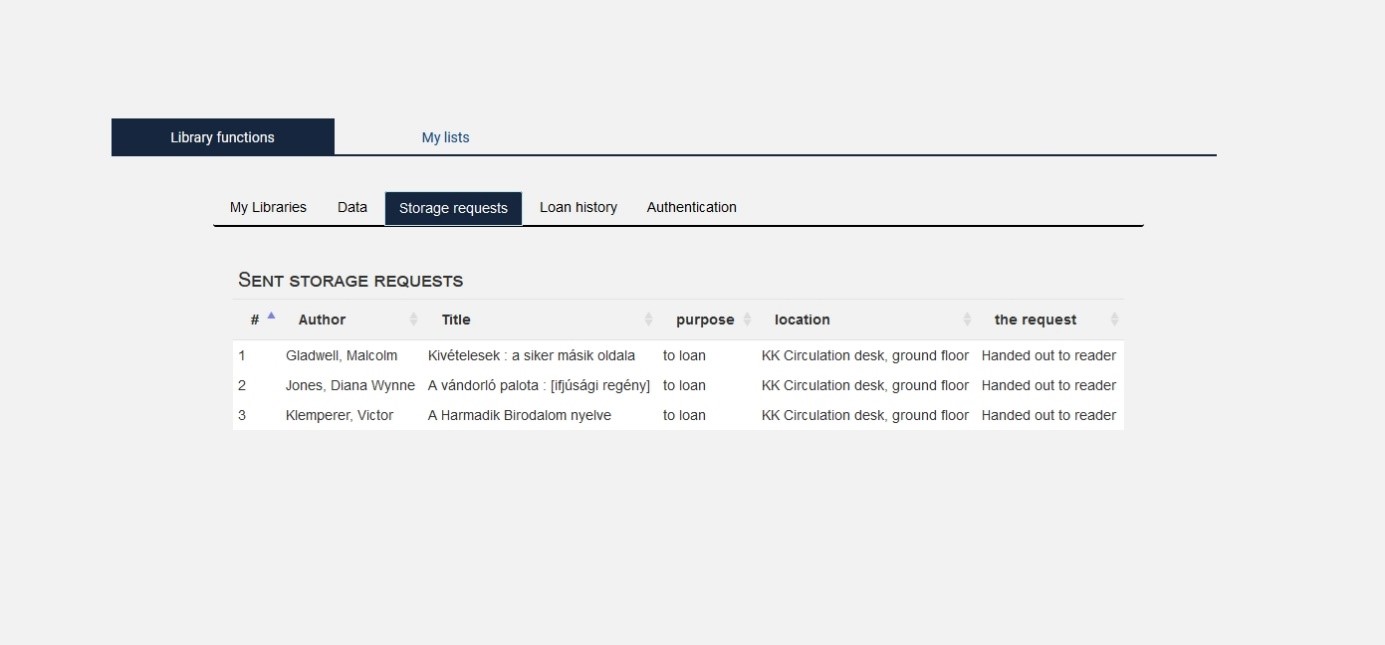
 4. Click the Storage requests tab to check the current list of your storage requests and their status.